Staff explains how to find and pay invoices in e‑services system
Get AI-powered insights, summaries, and transcripts
Subscribe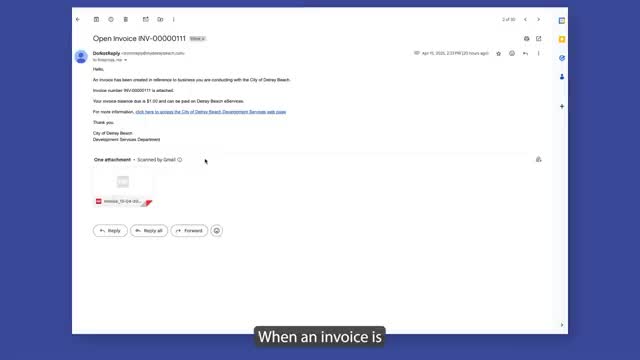
Summary
A staff member detailed step‑by‑step instructions for locating invoice emails, adding invoices to a shopping cart in the e‑services system, and completing checkout and payment.
A staff member provided step‑by‑step instructions on how to find and pay invoices through the e‑services system, saying users will receive an email with the invoice number and an attached invoice when a bill is due. "When an invoice is due, you will receive an email with the invoice number and an invoice attached," the staff member said.
The staff member said users should log in, open the My Work tab and search for the invoice number. "After you log in to the e services system, you can click the my work tab. You can search for your invoice if you know your invoice number. Click on the invoice number, and more information about your invoice will show up. Click add to cart," the staff member said.
Users may add more than one invoice to the cart before paying. "You can add multiple invoices to your cart at once. Click the continue button to add other invoices to your cart. And when you're done, click go to cart. Here, you will see your invoices listed out that you will be paying. When you're ready, click checkout," the staff member said.
On the checkout page, the staff member said users select a payment method, enter the required payment information and submit. "Choose how you're going to pay. Enter your information. Click continue. And click submit payment," the staff member said.
The guidance did not specify payment processing times, late fees, or support contact details. The recording did not indicate any formal action, vote, statutory citation or policy change; the segment was instructional only.